 Bible Paddy
Sunday’s message.
Your whole week.
Turn the sermons that move you into notes you can return to and a Bible study you can live out. Meet Church Notes, inside Bible Paddy.
Some messages
are meant to stay.
Walking by faithFaith is taking the next step, even when you cannot see the whole path.
Be in the service.
Bring the message home.
You do not have to choose between listening and keeping up with notes. Bring your sermon to Bible Paddy. Come back to the key ideas, Scripture references and next steps.
One message.
Three ways to bring it.
Record the sermon in the app while you listen. When you are ready, send the recording for notes.
Try Church NotesWalking by faith
The message, made easier to return to.
Faith begins with trusting God in the step in front of you.
2 Corinthians 5:7 · Proverbs 3:5–6
Choose one area where you can take a small, faithful step this week.
AI-assisted notes are a study aid. Check important quotations and references against Scripture and the original message.
Read. Listen. Ask. Grow.
Faith, in your everyday.
Open your Bible, explore a question, build a reading habit or share encouragement. Bible Paddy brings it all together.
Make room for Scripture.
Read a chapter over your morning coffee. Listen on your way home. Keep Scripture close, wherever your day takes you.
Bible reading, chapter audio and reading support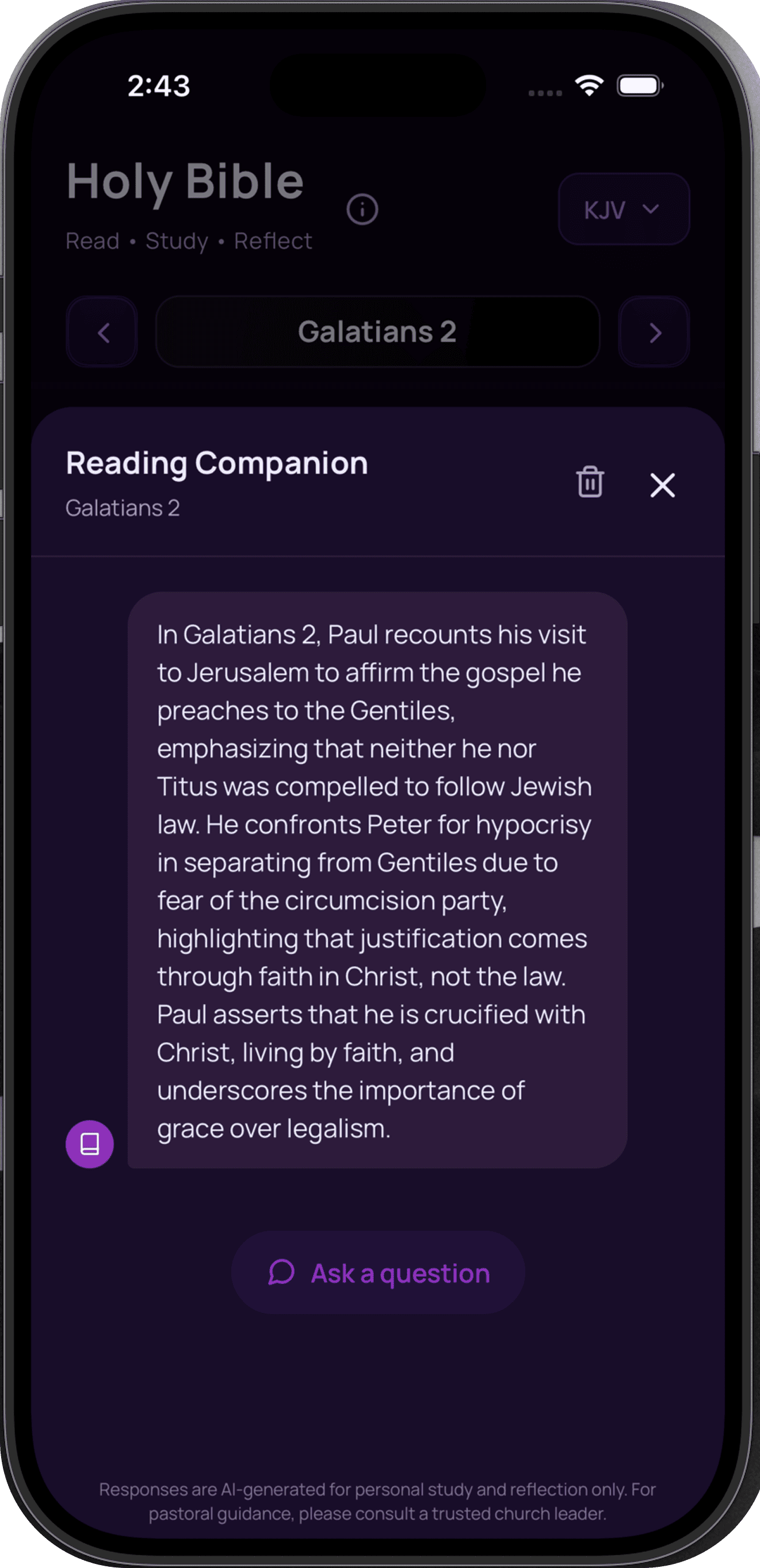
Better together. Read with friends, share insights and stay connected through study groups.
A few things
you might wonder.
What is Church Notes?
Church Notes turns a recorded service, uploaded sermon audio or public YouTube sermon into structured notes you can revisit. You can also turn those notes into a seven-day Bible study.
Can I use a sermon from YouTube?
Yes. Add a link to a public YouTube sermon in the app. Church Notes helps you return to the message through notes, Scripture references and a follow-up study. Duration and usage allowances apply; you can see your current limits in the app.
Is Bible Paddy free?
Bible Paddy is free to download. You can read and study the Bible and try Church Notes with a limited allowance. Optional Silver and Gold subscriptions provide additional Church Notes usage. Check the app for current pricing and allowances.
What else can I do in the app?
Read Scripture, listen to Bible chapters, ask Paddy Bible questions, follow reading plans, highlight verses, create shareable verse cards and study with friends in groups.
Which Bible version does Paddy use for AI study?
AI-assisted Bible study uses the King James Version (KJV). Other available versions, including NLT and The Message, are for Bible reading and display and are not supplied to the AI for processing.
Keep the message.
Live it all week.
Your next chapter starts with Bible Paddy.
Free to download. Optional subscriptions for more Church Notes.